AI thumbnails that
actually get clicked.
Train a character of your face once. Type any video title — Thumbly writes 8, 12, or 20 thumbnail concepts in seconds. Render only the ones you like as 1280×720 PNGs. Then edit, rate, repeat.




Features
Built for the creator workflow.
Thumbly is laser-focused on one job: turning your video idea into click-tested thumbnails. We don't do retention curves, consultants, or shorts editors. Just thumbnails, done well.
Train your character
Upload 4–5 close-ups of your face once. Every thumbnail you generate features you faithfully — no Photoshop skills, no manual cutouts.
Title in, concepts out
Type your YouTube title. A senior thumbnail strategist (Claude Opus) writes 8, 12, or 20 distinct concepts varied across composition patterns, palettes, and overlay styles.
Pick only what you like
Concepts are free to generate. You only spend credits on the ones you choose to render as images. No wasted budget on dead ideas.
Native 1280×720
Every output is rendered at YouTube's exact thumbnail spec. No manual cropping, no off-center exports, no text getting clipped at the edges.
AI edits
Don't love a detail? "Change the background to red" or "make the title bigger" — edit any thumbnail with a prompt instead of re-rolling.
Credits never expire
Buy a pack once, use it whenever. No subscription, no monthly resets, no surprise renewal charges. Failed renders refund automatically.
How it works
From video title to ready-to-upload thumbnails.
Train your character
Upload 4–5 close-ups of your face. Save them once and use the same character on every future thumbnail. (Optional — you can also drop a single photo per generation.)
Type your video title
Pick how many concepts you want — 8, 12, or 20. Thumbly's AI strategist writes a complete prompt for each, varied across composition patterns and overlay styles.
Pick + render + edit
Choose the concepts you like, render them as 1280×720 PNGs, then edit any one with a prompt or download. Rate them so future runs lean toward what works.
Examples
Click-tested designs across every niche.
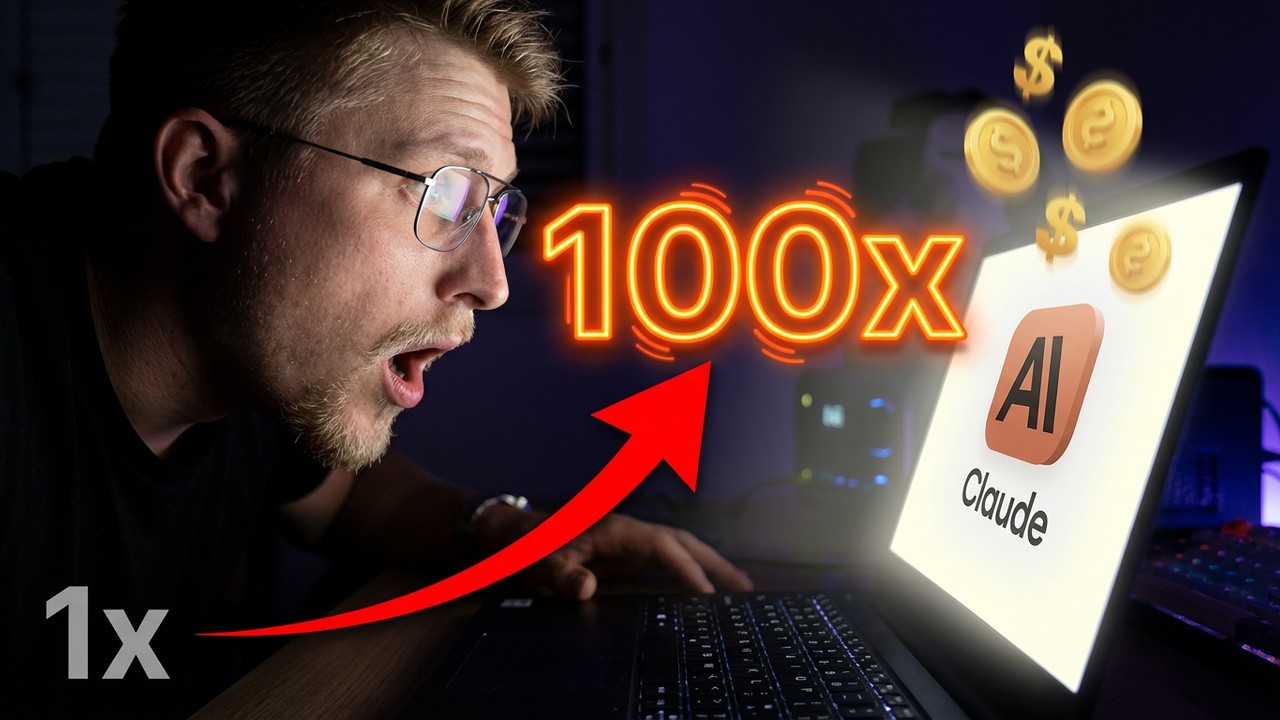
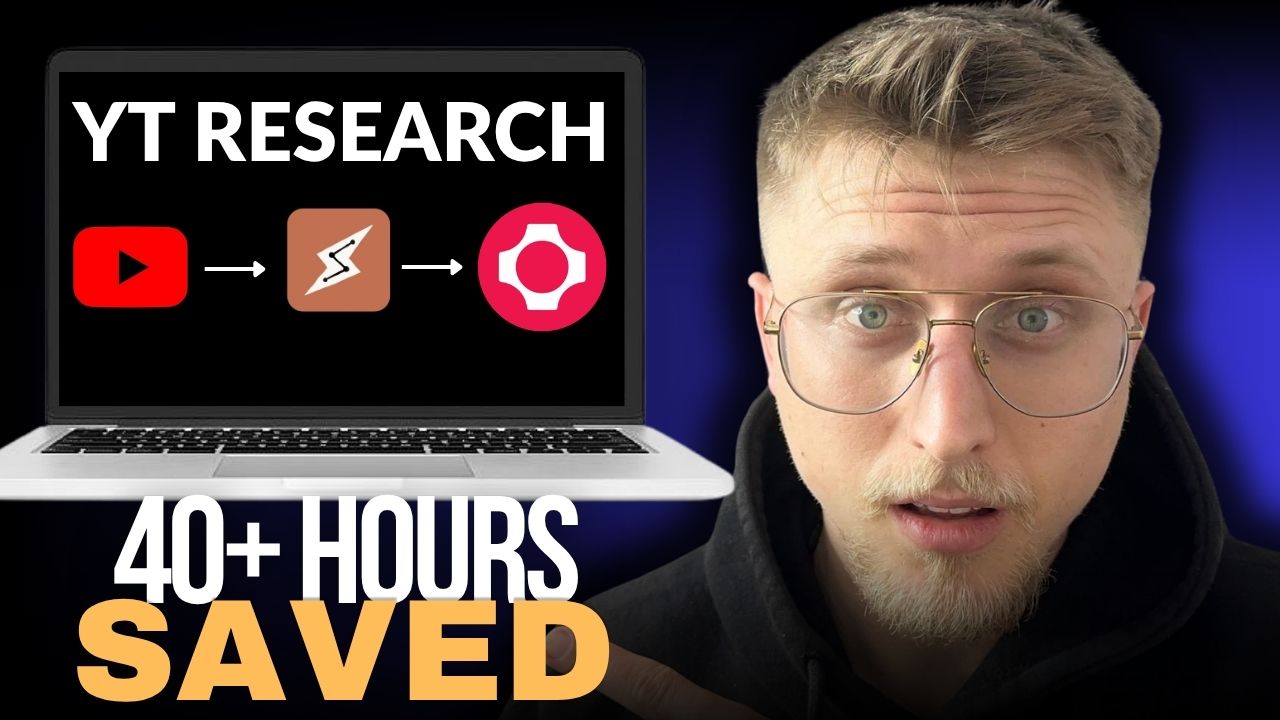
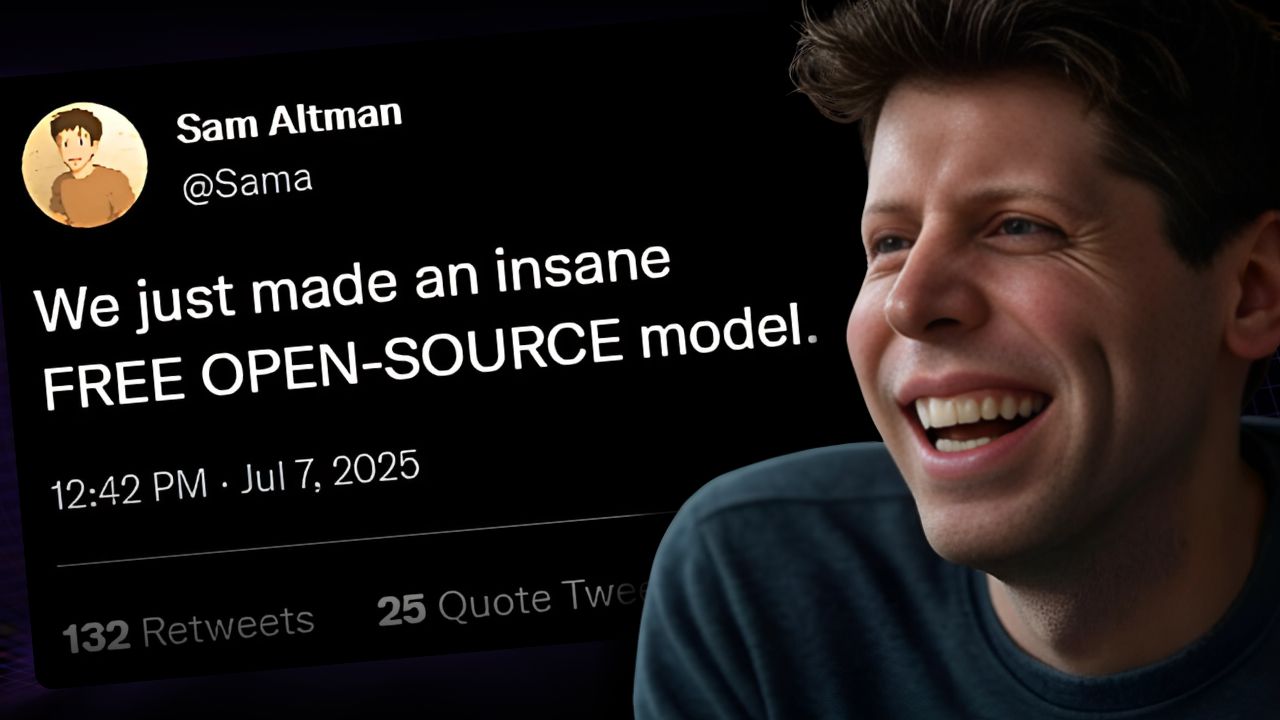
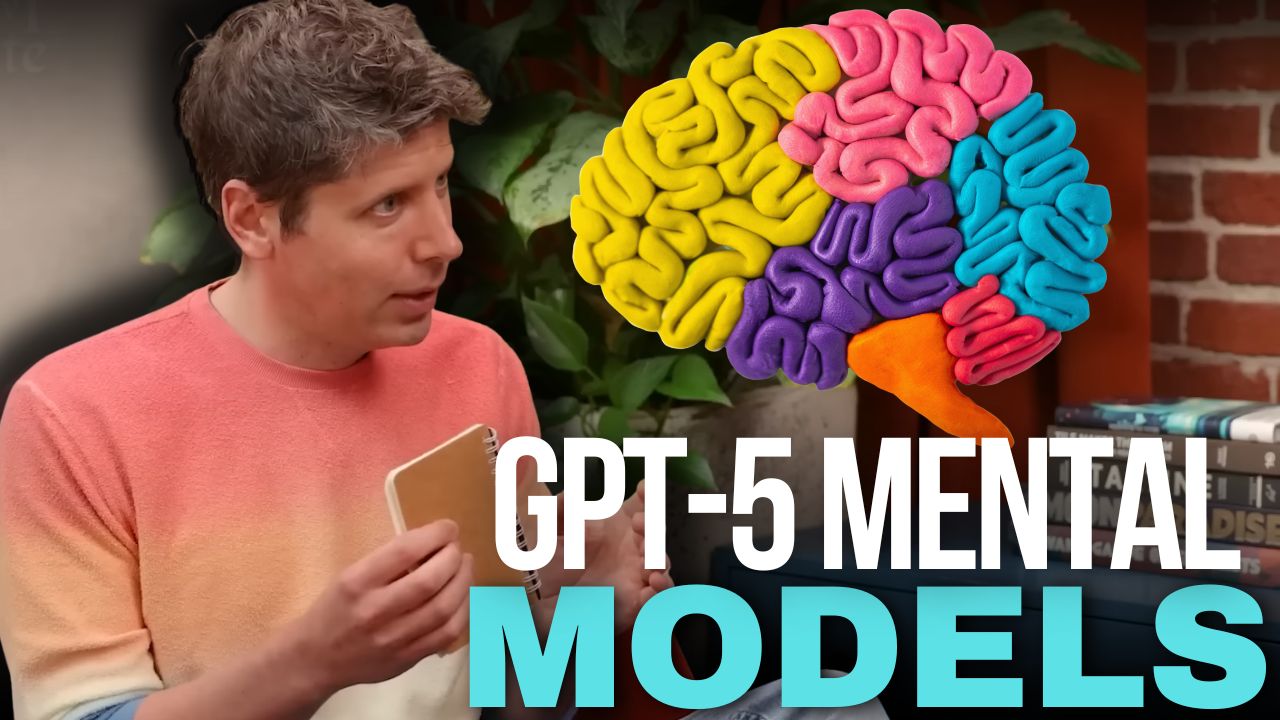
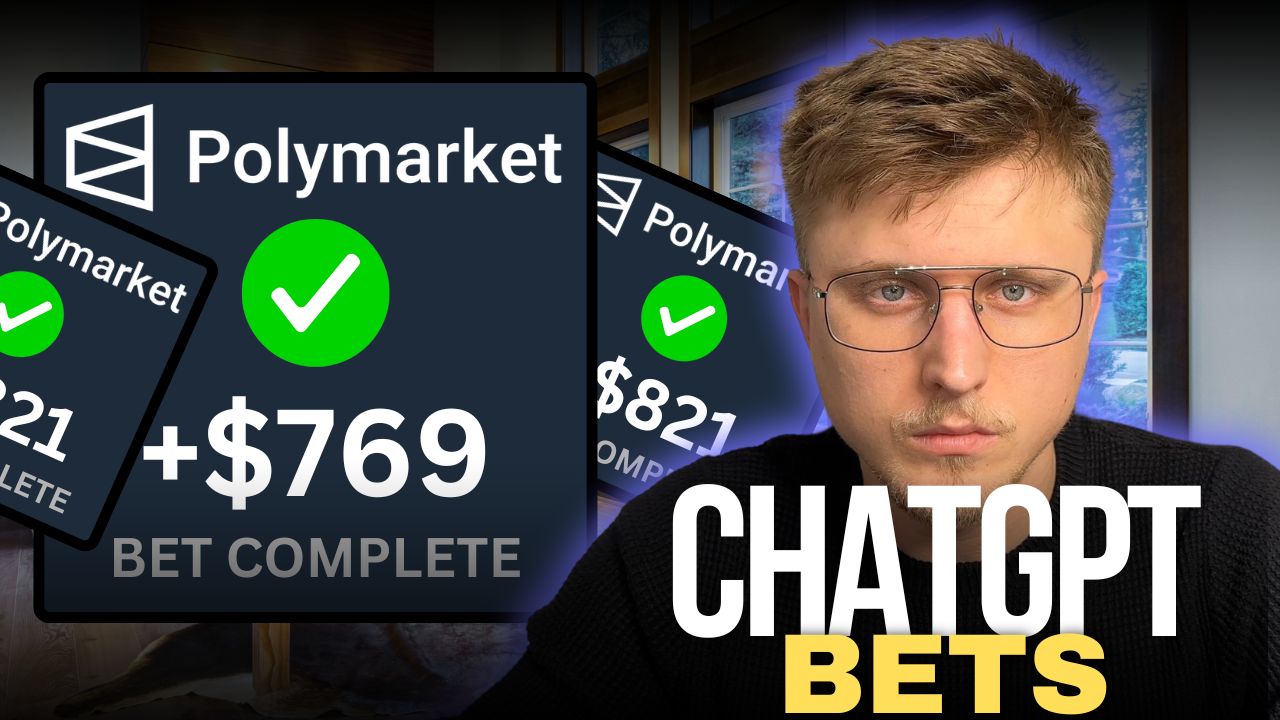
Real outputs from creators using Thumbly. Each thumbnail starts from a single line of text and a reference photo.



Pricing
Pay once. Use anytime.
No subscriptions. No monthly resets. Buy a pack of credits, spend them whenever — they never expire.
Starter
30 credits · $0.30/image
- 30 thumbnail credits
- 1, 2, or 4 variations per generation
- Reference image upload
- All style presets
- Credits never expire
Pro
100 credits · $0.25/image
- 100 thumbnail credits
- Everything in Starter
- Priority generation queue
- Generation history & re-prompts
- Better per-image price ($0.25)
Studio
400 credits · $0.20/image
- 400 thumbnail credits
- Everything in Pro
- Best per-image price ($0.20)
- Bulk download as ZIP
- Email support
New accounts get 5 free thumbnails on signup. No card required.
FAQ
Frequently asked questions
Which AI models power Thumbly?+
Concepts are written by Claude Opus (Anthropic) — a senior model good at strategy and writing varied prompts. Images are rendered by OpenAI's gpt-image-2 with multi-image character references for faithful likeness. Both reasoning steps are tuned for high CTR thumbnails.
What if I don't like a thumbnail?+
Three options. (1) Don't pick that concept in the first place — concepts are free, you only pay for what you render. (2) Edit any rendered image with a prompt: 'change the background', 'swap the title to X' (1 credit per edit). (3) If a render fails for technical reasons, your credits are refunded automatically.
Can I use these thumbnails commercially?+
Yes. AI-generated images from Thumbly are yours to use on YouTube, social, ads, anywhere. We don't claim copyright.
Can I use someone else's face?+
Reference images should be of yourself, your team, or assets you own the rights to. We block prompts naming public figures and our moderation layer rejects misuse.
Do you accept NSFW content?+
No. All prompts run through OpenAI's moderation API. NSFW, hateful, or violent prompts are rejected before a credit is spent.
What's your refund policy?+
Unused credits can be refunded within 7 days of purchase. Email support@thumbly.app and we'll process it.